A library that
feels like yours.
Photos, videos, folders and favorites. Pinch to change the grid, long-press to organize.
Explore the galleryYour offline Android gallery
The everyday photos. The videos worth keeping. A thoughtful home for all of them, right on your device.
Currently for invited internal testers.
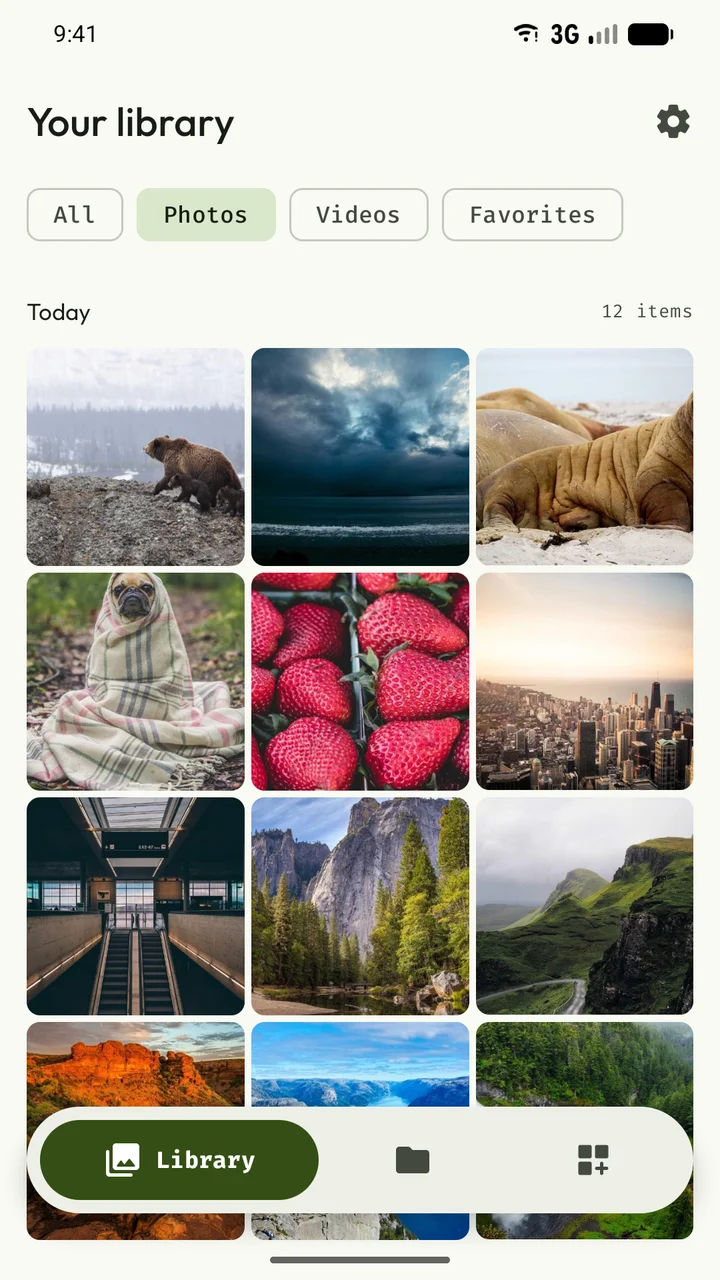
The familiar, made thoughtful
Some photos tell a story. Some just help you remember where you parked. Frame makes room for both.
Browse, watch, make a small edit, or put a favorite on your home screen. All in one local app.
Explore every featurePhotos, videos, folders and favorites. Pinch to change the grid, long-press to organize.
Explore the gallerySwipe through images. Settle into a video with subtitles, playback controls and saved progress.
Meet the playerShape a photo widget. Make a rotating wallpaper. Pick a layout and colors that feel right.
Discover photo displaysThrough the lens
Eight real screens.
Tap any one to explore.
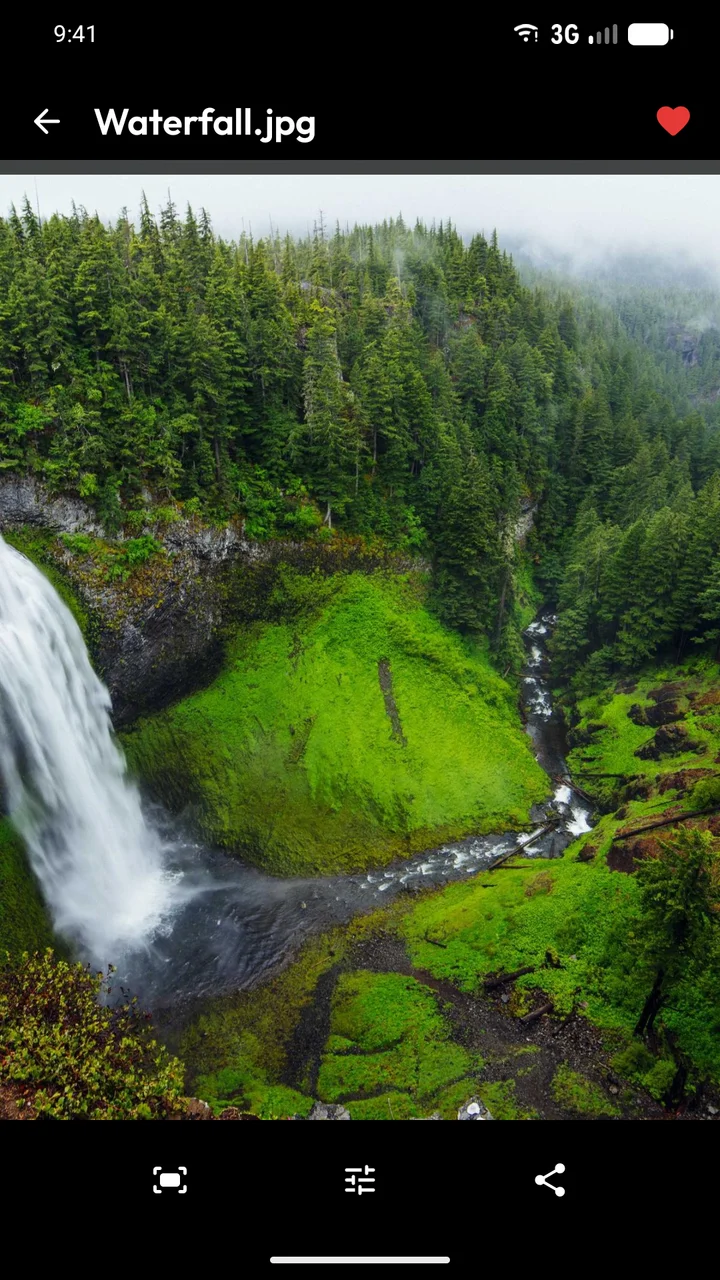
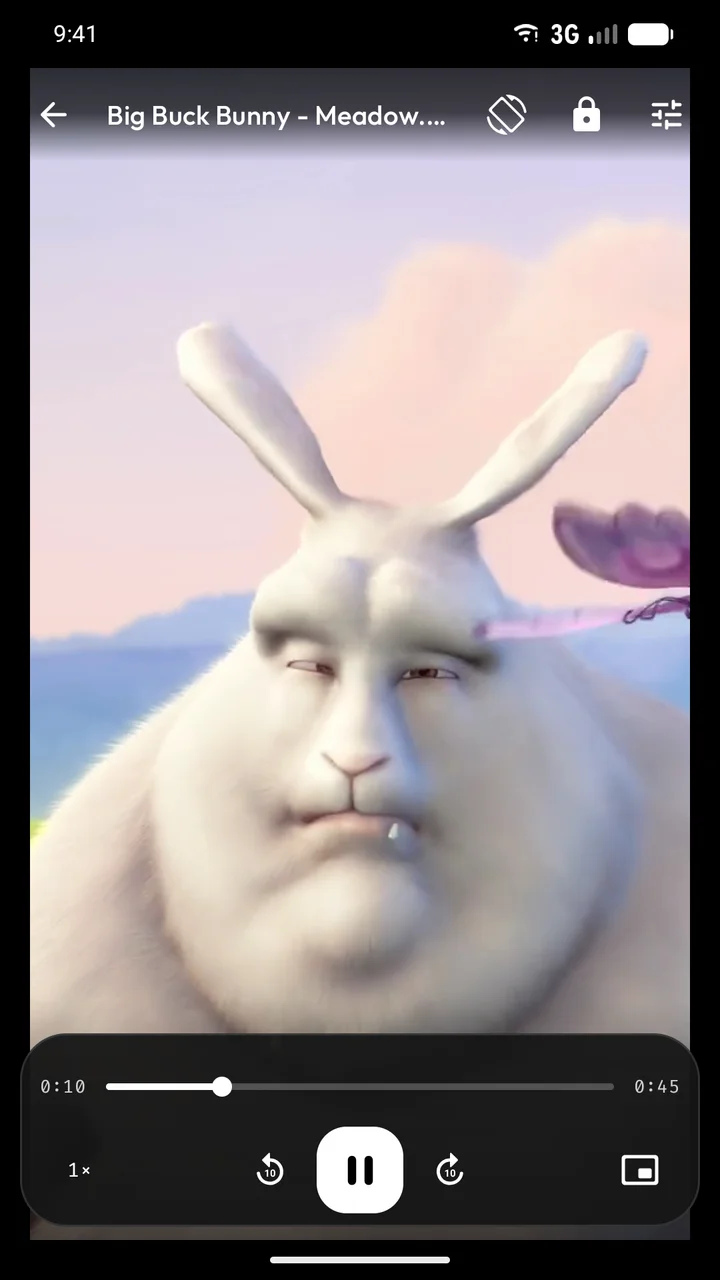
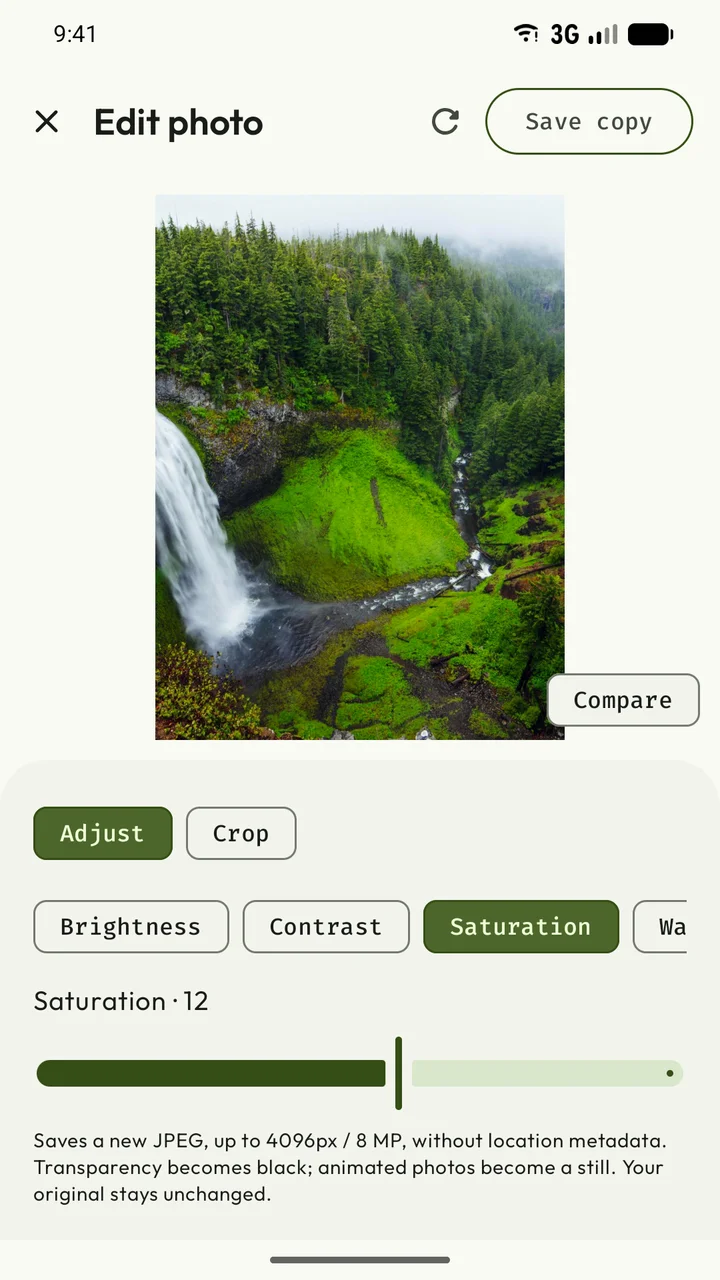
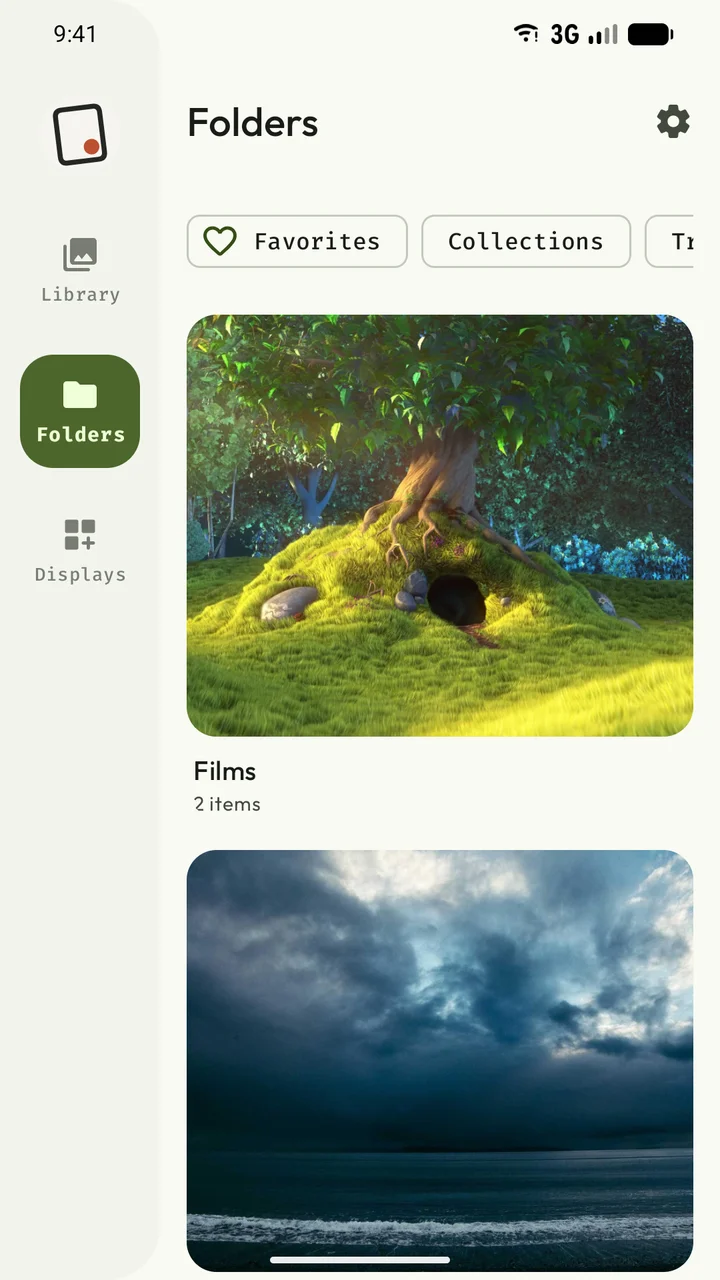
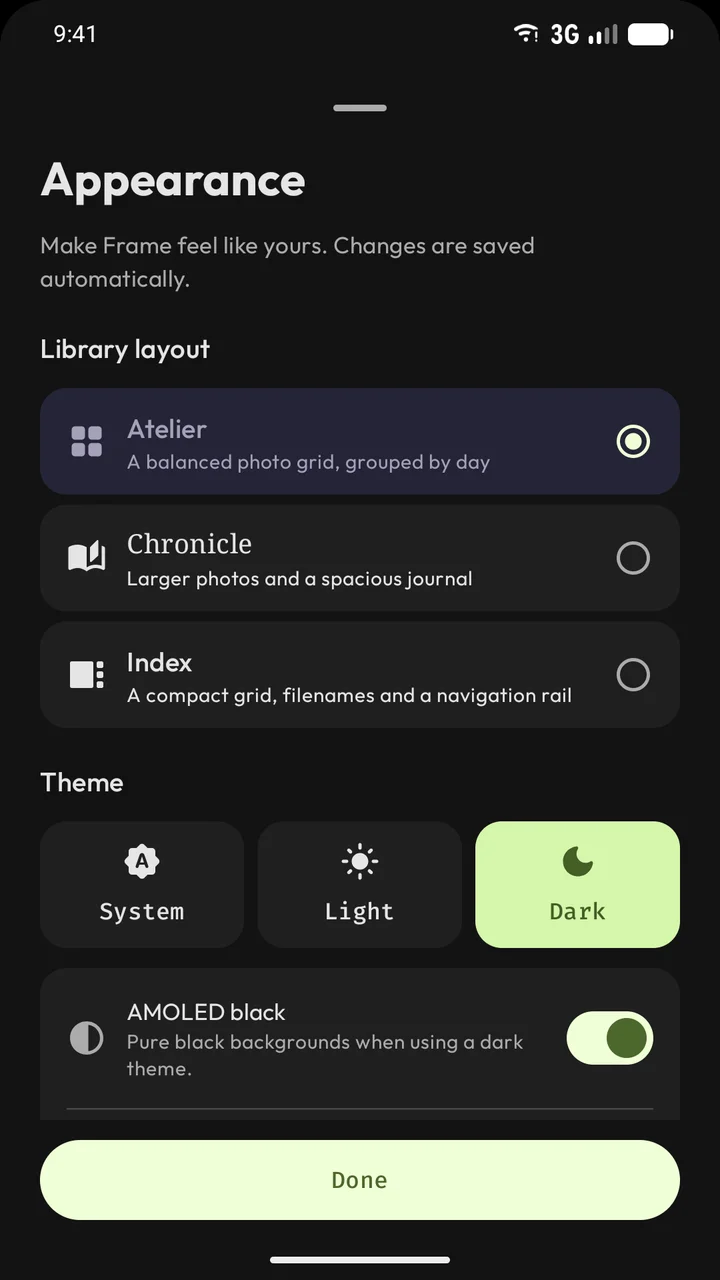
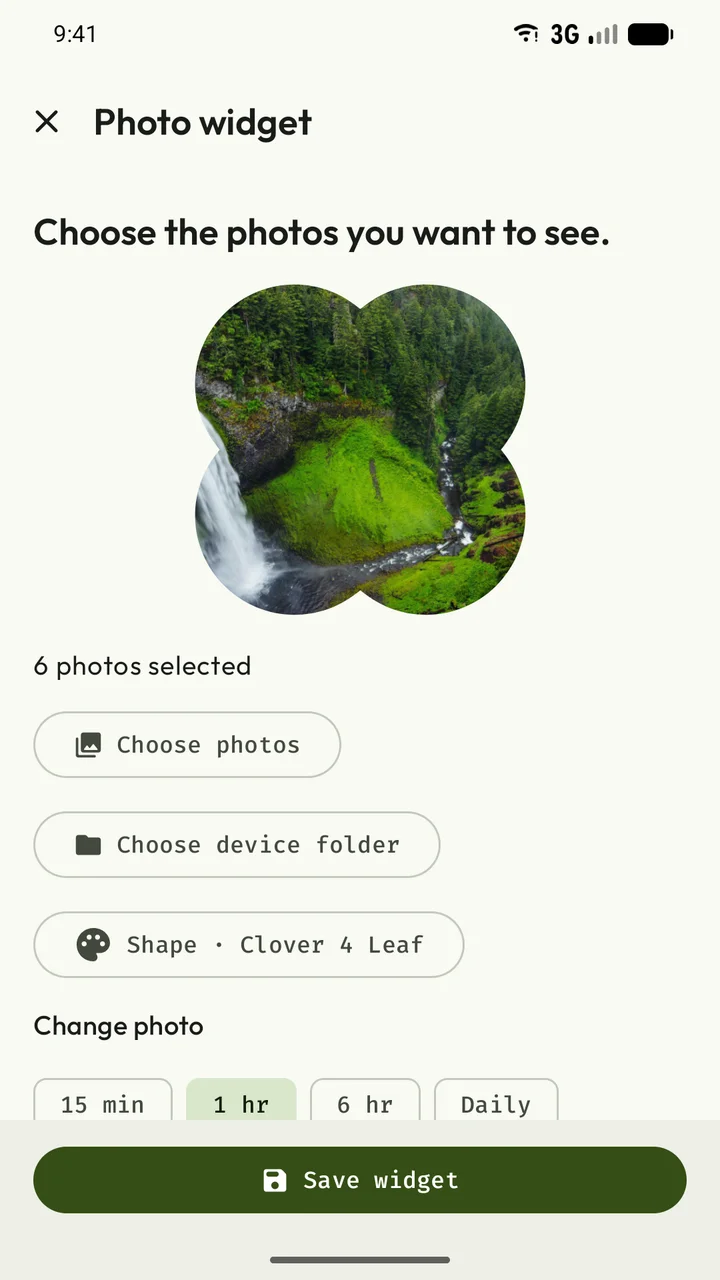
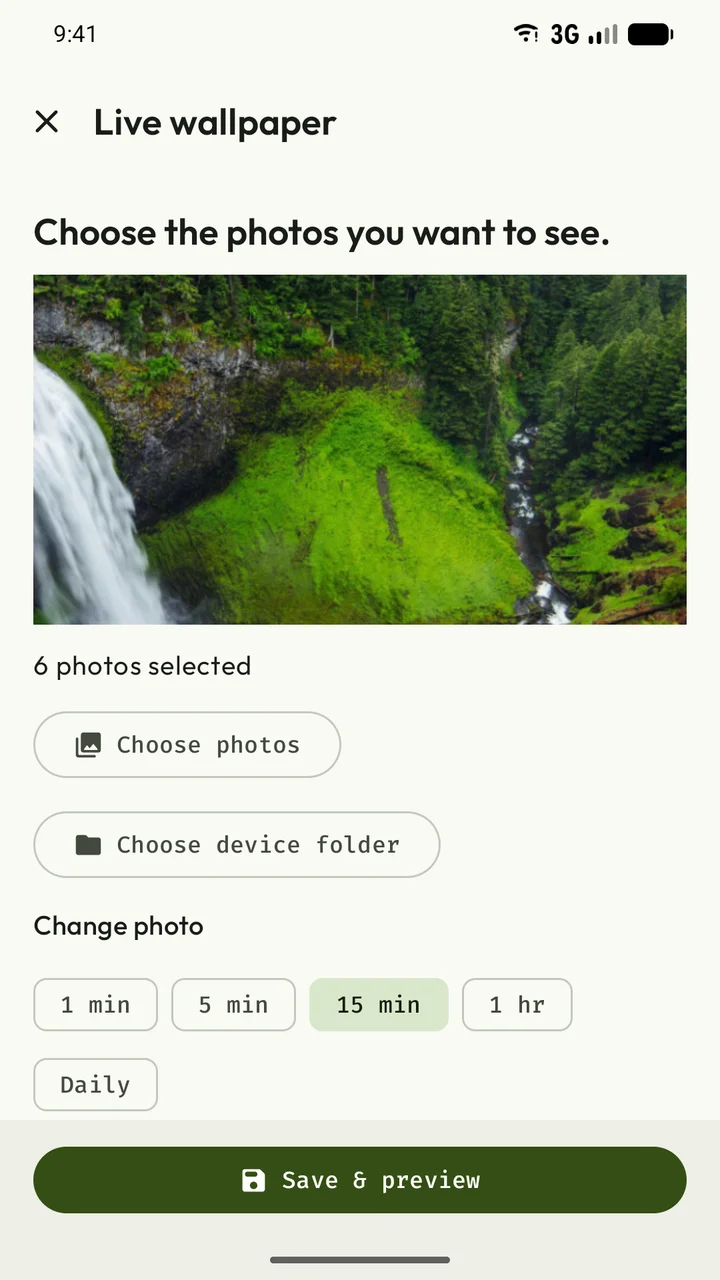
Film shown: Big Buck Bunny © 2008 Blender Foundation / www.bigbuckbunny.org · CC BY 3.0. Cropped excerpt. All media credits.
On your terms
Frame processes your photos and videos on your device. There’s no Frame account to create and no cloud library to upload.
Photo-address lookup, sharing and external links can involve other services. We explain those details openly.
Read the privacy policyFrame is currently in internal testing on Google Play. Only invited testers can access it, using the Google account that received the invitation. The Play link may be unavailable to other accounts. There is no public sign-up or public release yet.
The local gallery, image viewer, video player, editor, photo widgets and live wallpaper work without creating a Frame account. Your library stays on your device. Optional address lookups and links to other apps or websites may use external services.
It can play compatible 4K videos when your device supports the file’s codecs, profile, frame rate and resolution. A 4K label alone does not guarantee smooth playback. Unsupported or damaged files show an error.
Yes. Use Open with from a file manager for specialty formats that Android does not show in the gallery. Frame supports SVG/SVGZ and a broad range of raster and camera RAW formats, with limits listed on the Supported formats page.
Made for your everyday
Currently for invited internal testers.
Frame is currently available to invited internal testers on Google Play. Use the Google account that received your testing invitation. Public release is coming later.